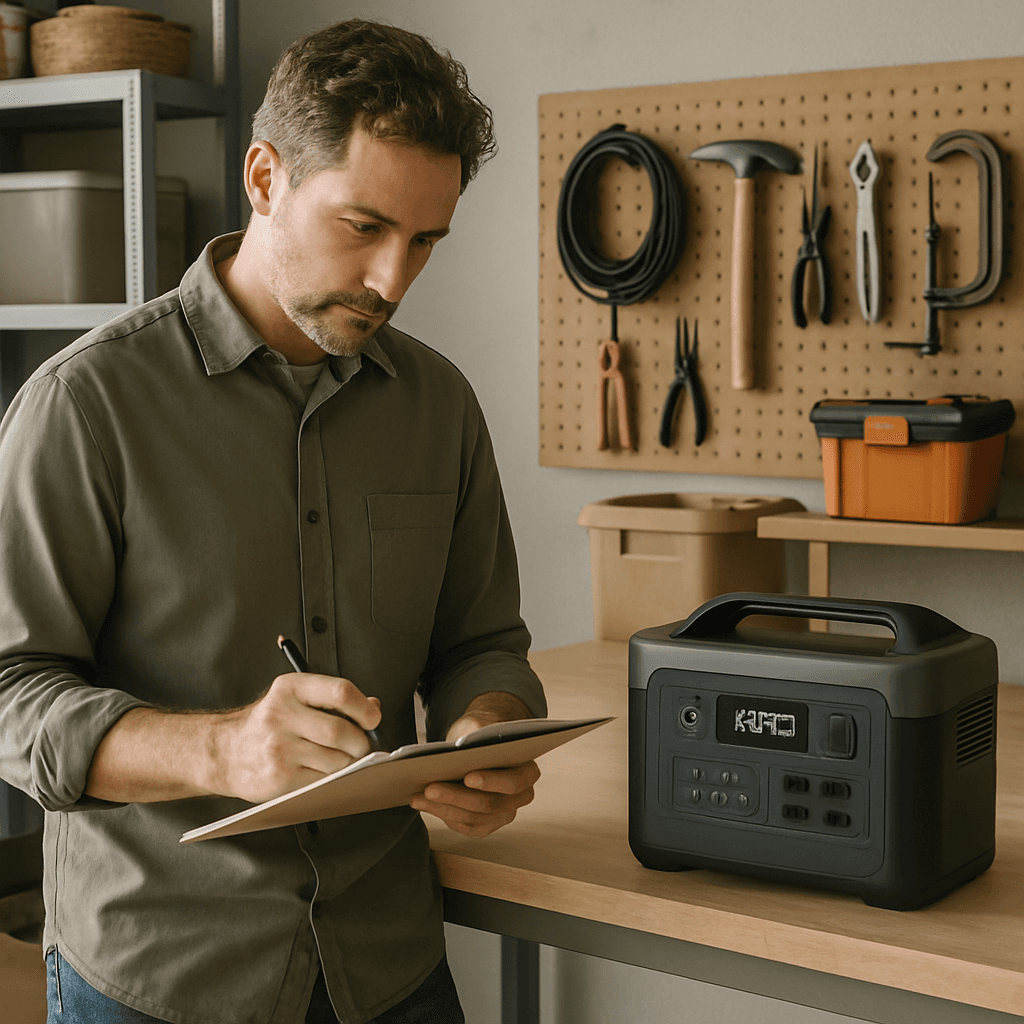
Emergency Power Checklist for New Homeowners
A new homeowner's first backup power purchase should cover essentials only — fridge, medical equipment, Wi-Fi, and phone charging — sized around 1,000-2,000Wh, not a whole-home system. If you're a new homeowner and this is your first time thinking seriously about backup power, it's easy to either overspend on more system than you need or underprepare entirely. Here's a straightforward checklist to get it right the first time.
Step 1: Learn Your Home's Specific Outage Risk
Your region determines your priority — check whether your area is prone to hurricanes (see our hurricane preparedness checklist), winter storms (see our winter storm guide), wildfire-related PSPS shutoffs (see our California wildfire guide), or general grid reliability concerns for your utility specifically (see our power outage statistics by state).
Step 2: Identify Your Must-Have Devices
Make a simple list: what absolutely needs power during an outage? Common answers include a fridge, any medical equipment, Wi-Fi/router, and phone charging. Resist the urge to plan for everything — a focused essentials list keeps your first power station purchase reasonably sized and priced.
Step 3: Calculate Your Capacity Need
Use our wattage sizing guide to turn your essentials list into an actual watt-hour number. Most new-homeowner essentials-only setups land in the 1,000-2,000Wh range.
Step 4: Check Your Home's Specific Risks
- Sump pump? See our sump pump backup guide if you have a basement prone to water issues.
- Well water instead of municipal? See our well pump backup guide — this is an easy-to-forget essential for well-water homes.
- New to an area with a known utility reliability issue? Check local news or your utility's own reporting for typical outage frequency and duration in your specific neighborhood.
Step 5: Buy Once, Buy Right
For a first home purchase, a mid-capacity, well-reviewed unit like the Jackery Explorer 1000 v2 or EcoFlow Delta 2 Max covers most new-homeowner essentials without over- or under-buying. You can always expand later if your needs grow — see our expandable capacity guide.
Step 6: Build the Full Kit, Not Just the Power Station
A power station is the centerpiece, not the whole plan — see our 72-hour emergency power kit guide for what else belongs in a complete household emergency plan.
Step 7: Know What to Do the Moment Power Actually Drops
All this planning pays off in the first few minutes of a real outage — bookmark our what to do when the power goes out guide so you're not figuring out the immediate steps from scratch when it actually happens.
Common First-Time Buyer Mistakes to Avoid
- Buying based on price alone, without checking capacity/output against your actual essentials list — a cheap unit that can't run your fridge and medical equipment together isn't actually a good value.
- Overbuying "just in case" for a whole-home scenario you're unlikely to actually need, when a fixed home battery system would make more sense for that goal anyway.
- Never testing the unit until the first real outage — by then it's too late to discover a compatibility issue or a unit that didn't arrive fully functional.
- Ignoring the home's specific risk profile — a coastal home's needs (hurricane, extended outage) differ meaningfully from an inland home's (winter storm, shorter typical outage).
- Forgetting recharge strategy entirely — know in advance whether you're relying on AC power between outage windows, a car charger, or solar, rather than assuming the unit will just "work it out."
What to Do in Your First 30 Days of Ownership
- Run a real test within the first week — plug in your actual fridge or a comparable load and confirm the unit performs as expected, while you can still easily return or exchange it if something's wrong.
- Register the warranty with the manufacturer — this is easy to forget and can matter if you ever need to make a claim.
- Note your unit's specific rated operating temperature range and where in your home you'll store it, based on our maintenance guide.
- Set a recurring reminder (every 2-3 months) to check charge level, so the unit doesn't sit forgotten until the moment you actually need it.
Frequently Asked Questions
How much should a new homeowner budget for emergency backup power?
A solid essentials-focused setup (power station plus basic kit items) typically runs $500-1,500 depending on capacity needs — see our best power stations under $1,000 for well-reviewed options in that range.
Do I need a whole-home generator, or is a power station enough for a new homeowner?
For most new homeowners covering fridge, medical equipment, and essentials, a well-sized power station is sufficient and far simpler to install and maintain than a whole-home generator system, which requires professional installation and ongoing fuel/maintenance planning.
Power Stations We'd Look At for This
Picked from our reviews for this scenario. Prices change often, so check the current price before you buy.
This page contains affiliate links. See our affiliate disclosure.
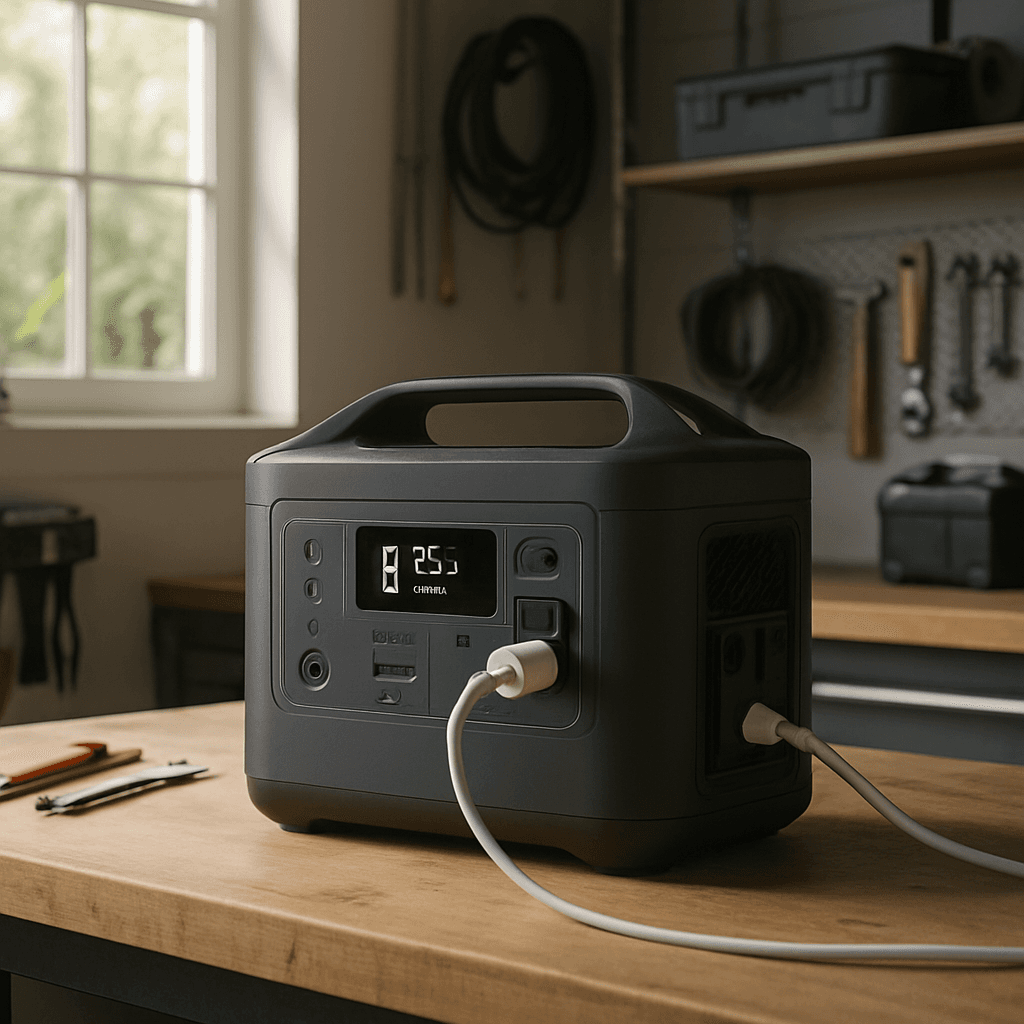
Bluetti Elite 200 V2
4.5/5 in our review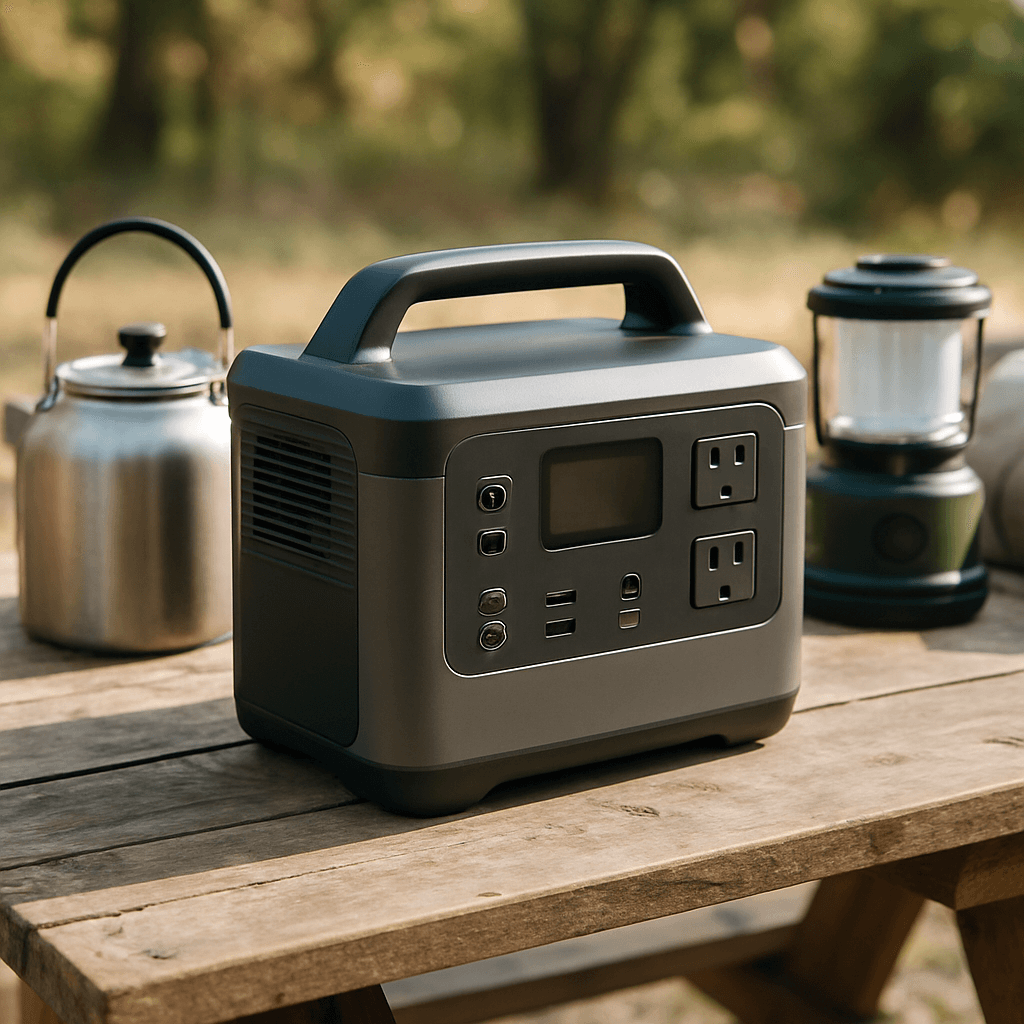
Jackery Explorer 1000 v2
4.4/5 in our review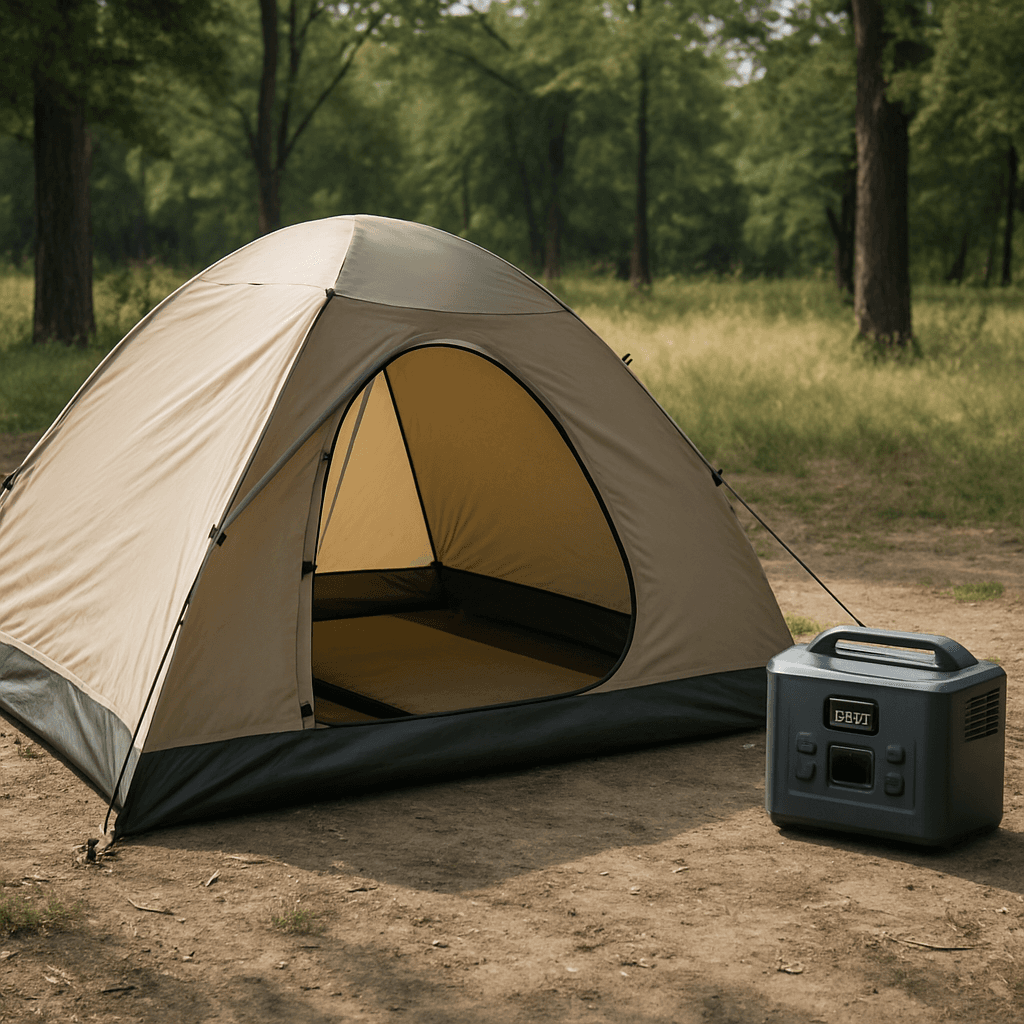
Bluetti AC70
4.3/5 in our reviewRelated Articles
 Emergency Preparedness
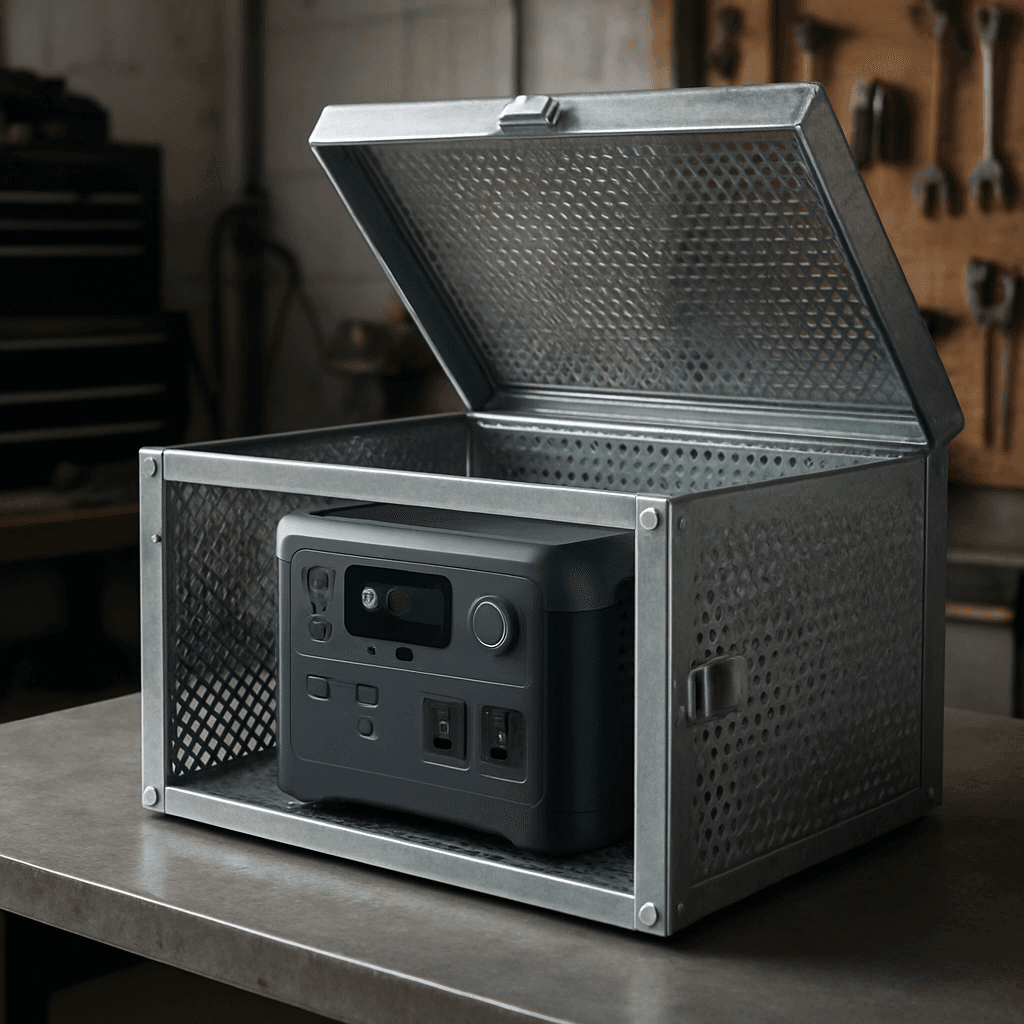
Can an EMP Destroy Your Power Station? What the Science Actually Says
Batteries are more EMP-resistant than most people assume, but the electronics inside a power station aren't. Here's the real science of EMP risk and Faraday cage protection.
 Emergency Preparedness
Winter Storm Power Outage Preparedness Guide (Texas Edition)
The 2021 Texas winter storm exposed how unprepared the grid can be for extreme cold. Here's how to plan backup power for Texas winter weather specifically.
 Emergency Preparedness
What to Do When the Power Goes Out: A Step-by-Step Guide
What to do in the first 15 minutes and hours of a power outage: check the scope, unplug electronics, food safety times, carbon monoxide rules, medical needs, and backup power priorities.